
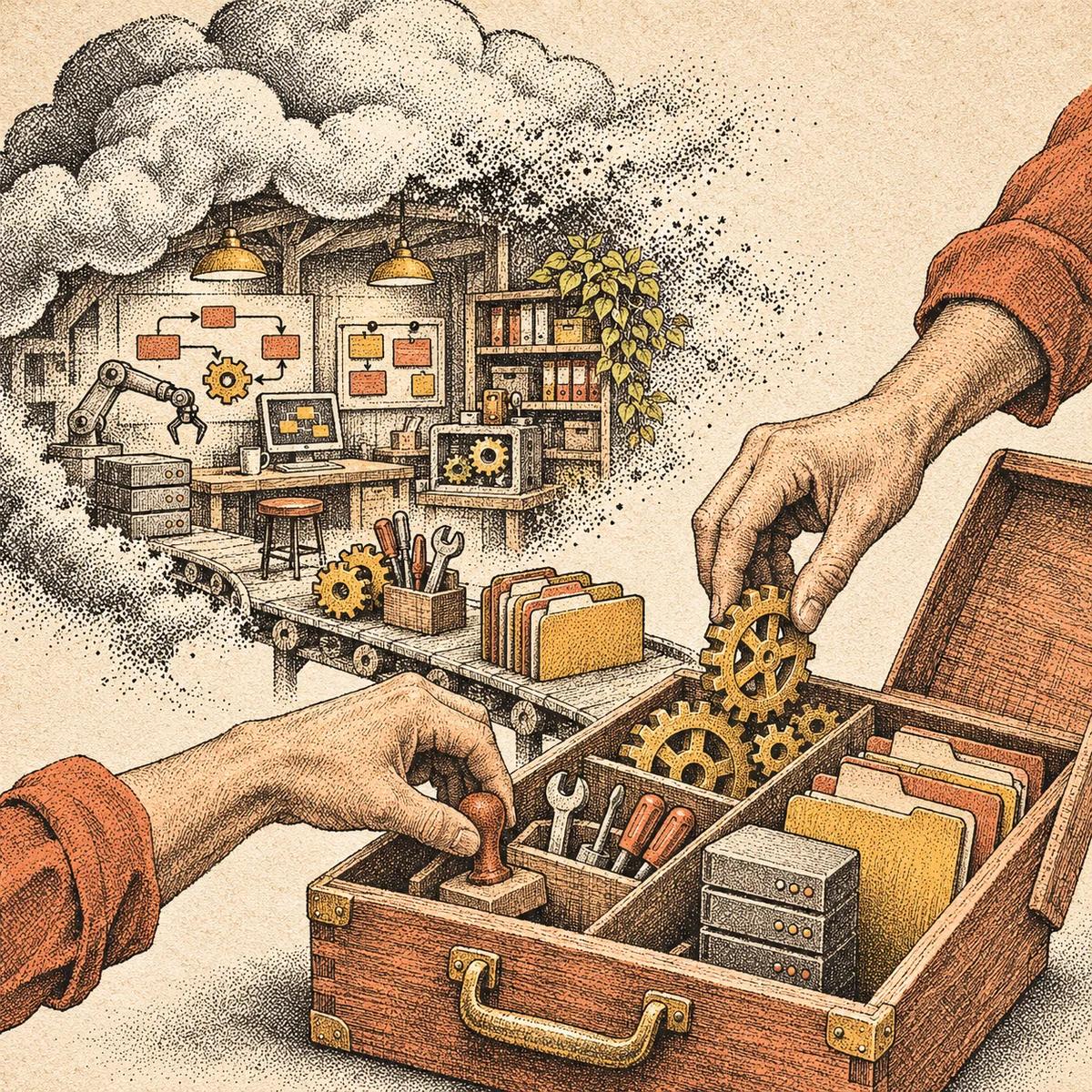
The most reassuring button in a cloud app might be the one labeled Export. It suggests that whatever happens to the company, your work can come with you.
Sometimes it can. Sometimes you get a folder full of perfectly intact pieces, without the machinery that made them useful.
On November 10, Val Town announced that it is winding down. Its published schedule stops new sign-ups and plan upgrades immediately, moves the platform into read-only mode on December 10, with an exception for SQLite and blob storage, and ends all other services on January 10, 2027. Open-sourcing is planned for February 1.
For anyone depending on a small tool built there, the urgent question is not simply whether the code can be saved. It is whether the thing that code does can survive the move.
That is a useful question to ask of a healthy service, too.
Your files are not your workflow
Imagine a small studio with an automated inquiry form. A visitor submits a message. The system stores it, emails the studio, and adds a reminder if nobody responds. The code might fit in a handful of files. The working arrangement does not.
It also needs somewhere to run, a database, permission to send email, a schedule for checking unanswered inquiries, and an address the form knows how to reach. Copying the code preserves the instructions. It does not automatically preserve those connections.
Val Town’s own migration guide for Vercel makes that distinction visible. It separates source code from environment variables, stored files, databases, scheduled tasks, email, access controls, and domains. A platform that made those pieces feel like one product becomes a collection of decisions when you leave.
This is not an argument against convenient software. Hiding infrastructure is often exactly what makes a tool worth paying for. The problem is forgetting what has been hidden.
Make a map before choosing a replacement
The first useful migration document is not a comparison of vendors. It is a plain-language account of what must keep happening.
For that hypothetical studio, it might read: “A visitor can send an inquiry, we receive it, it is saved, and unanswered inquiries become visible again.” That sentence supplies a better test than “the new app deployed successfully.”
Underneath it, record four things:
- Inputs: What starts the work? A form, an incoming email, a scheduled time, or another service?
- State: What must be remembered? Records, files, preferences, permissions, or the last item already processed?
- Outputs: What should happen next, and who depends on it?
- Ownership: Who controls the accounts, domain, billing, and recovery information needed to restore it?
Keep secrets in a suitable password manager or credential store, not pasted into this document. Record where they are managed and which access is required.
For a personal notes app, the map may take five minutes. For a system that handles customer requests, it deserves more care. The goal is not to turn every subscription into an engineering project. It is to discover the expensive surprises while there is still time to choose.
An archive and a recovery plan are different things
A downloaded file is an archive. A recovery plan explains how to turn it back into something useful.
Even familiar developer tools make that distinction. GitHub’s backup documentation describes different backup methods with different coverage. Large File Storage objects need additional handling with a Git mirror; migration archives omit some data and do not have a supported, documented restoration process on GitHub.
The broader lesson is to inspect the result, not just the reassuring name of the feature. Does an export contain attachments or merely links to them? Are relationships between records preserved? Can another application read it? If the original service vanished, would the archive still make sense?
Choose a small, representative sample and try it somewhere else. Open the files. Import a few records. Check a linked image. For software, run an isolated copy against test data and exercise the behavior that matters. Do not let a migration test accidentally email customers or process a payment.
A successful test produces evidence. An export checkbox produces a promise.
Move the connections, not just the contents
A replacement can appear healthy while the old system remains quietly in charge. Perhaps the website still submits to the old address. Perhaps a scheduled job is running in both places. Perhaps the new database contains yesterday’s export while today’s inquiries continue arriving elsewhere.
Plan the handover explicitly. Decide when changes pause, how the final data is copied, which incoming connections switch, and how duplicate actions are prevented. Check the result from the outside: submit a controlled test inquiry and follow it through to its intended destination.
For a critical workflow, retain a rollback path until the replacement has demonstrated the necessary behavior. A dashboard showing a green deployment is not proof that a customer’s message reached anyone.
Open-source availability can help, but it is not a substitute for this work. Source code still needs hosting, configuration, maintenance, and someone able to operate it. In Val Town’s announced timeline, the planned open-source release falls after the end of the remaining services. Waiting for that release is not, by itself, a continuity plan.
Buy convenience without surrendering your options
There is no need to treat every small software company as a future disaster. The useful habit is simpler: before a tool becomes essential, find out what leaving would require.
Keep current exports where appropriate. Own the domain if it matters to the workflow. Record the few connections that would be hardest to reconstruct. Test one small recovery rather than assuming a large one will work under pressure.
The question is not whether you can keep every service alive forever. You cannot. It is whether a company’s closing day has to become the day your own work stops.